How I use AI in my design work?

This website has been vibe coded as well 🥰

Over the past year, I’ve been experimenting with AI and incorporating them in my day to day work, as well as influencing the design ops. It has helped me become more efficient, creative and at the same time helped satisfy my curiosity to learn various topics.

I leverage AI in these areas

Prototyping
Research & Brainstorming
Content design
This website has been vibe coded as well 🥰

Prototyping

I love bringing screens & concepts to life through interactive prototypes. It brings me a sense of joy to see how things would work without relying much on technical know hows.

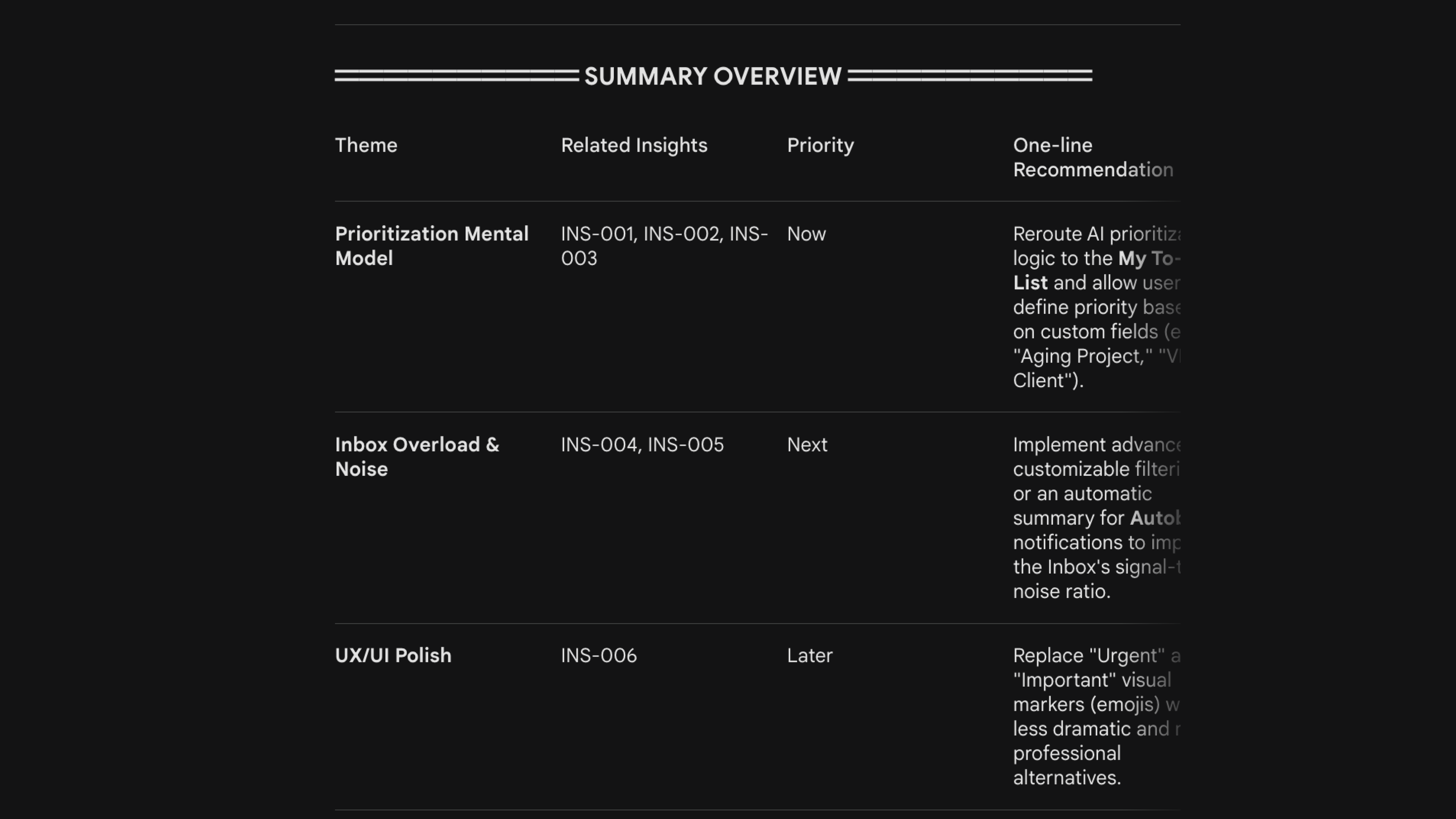
Inbox priority tuner

Interactive Viz

Built a simple interactive visualisation to help communicate the concept of prompt engineering and how output changes with the prompt depth & clarity.

Part of a bigger project: Read case study →

Research & Brainstorming

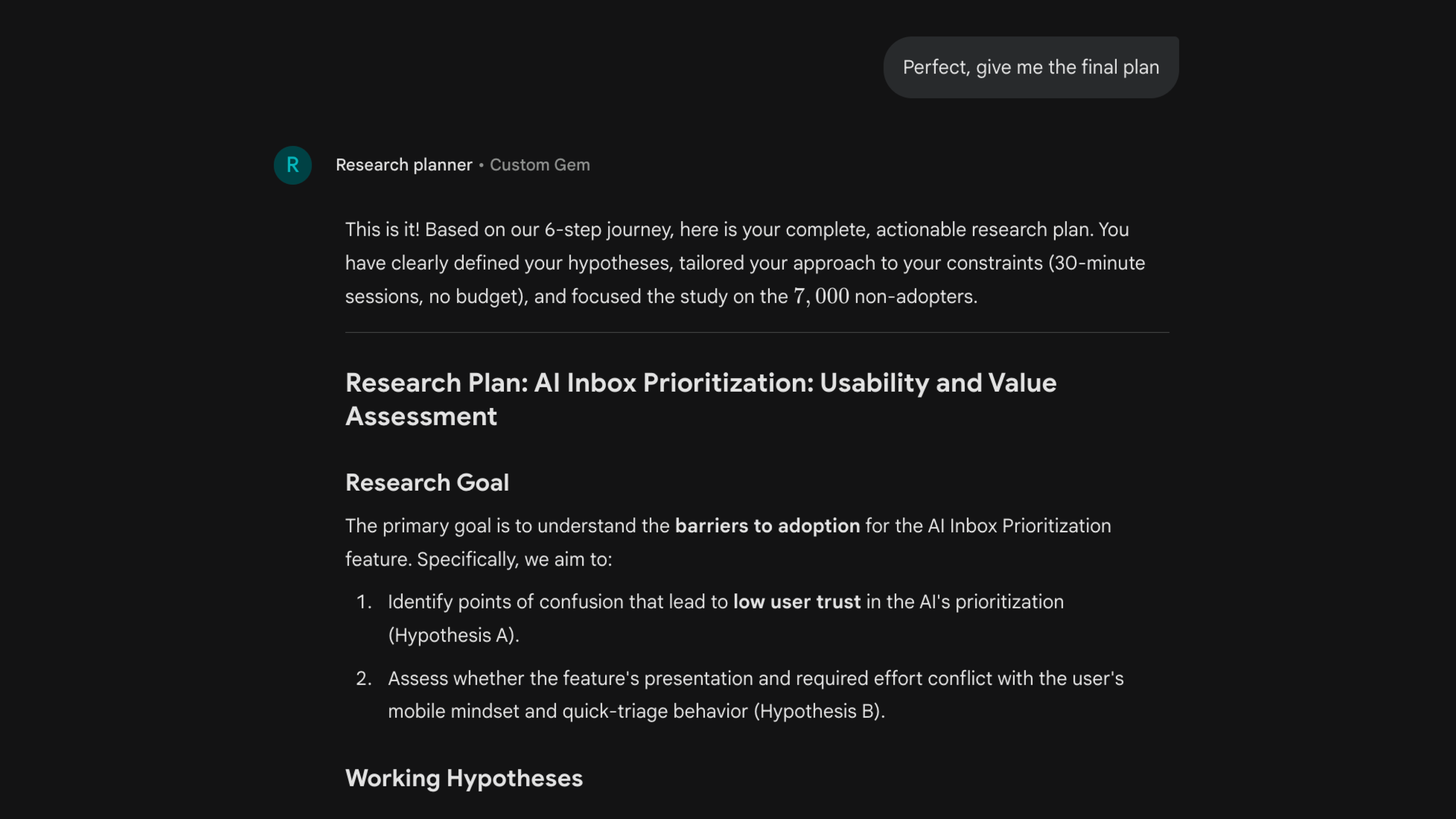
Research planner GEM

Through a series of 7 annoying but important questions, this GEM helps users articulate, brainstorm and define a detailed research plan. These can range from creating simple surveys to detailed usability testing and user interview plans.

Insights generator GEM

The next step of the research is analysing the data that you’ve collected. This GEM helps process the transcripts and the data that you upload to craft meaningful insights by following the framework of Observation → Inference → Evidence.

It also provides interviewer coaching by helping the user understand where they could’ve asked a better question to make the research more impactful.

Content design

UX Writing Assistant

Problem:

Observed that with only 3 UX writers supporting a team of 30+ designers, the workload was quite heavy and in their absence, projects would have to wait for long time.

Solution:

Using the UX writing guide that the team had created, I drafted a prompt and built a CustomGPT initially. We eventually integrated the prompt and the guide into our internal AI tool for general access as well as built a figma plugin which uses the same prompt.

Impact:

Designers could now upload their UI or use the plugin to get feedback on the copy within seconds! This increased the quality of copy used even in draft stages and helped improve communication.

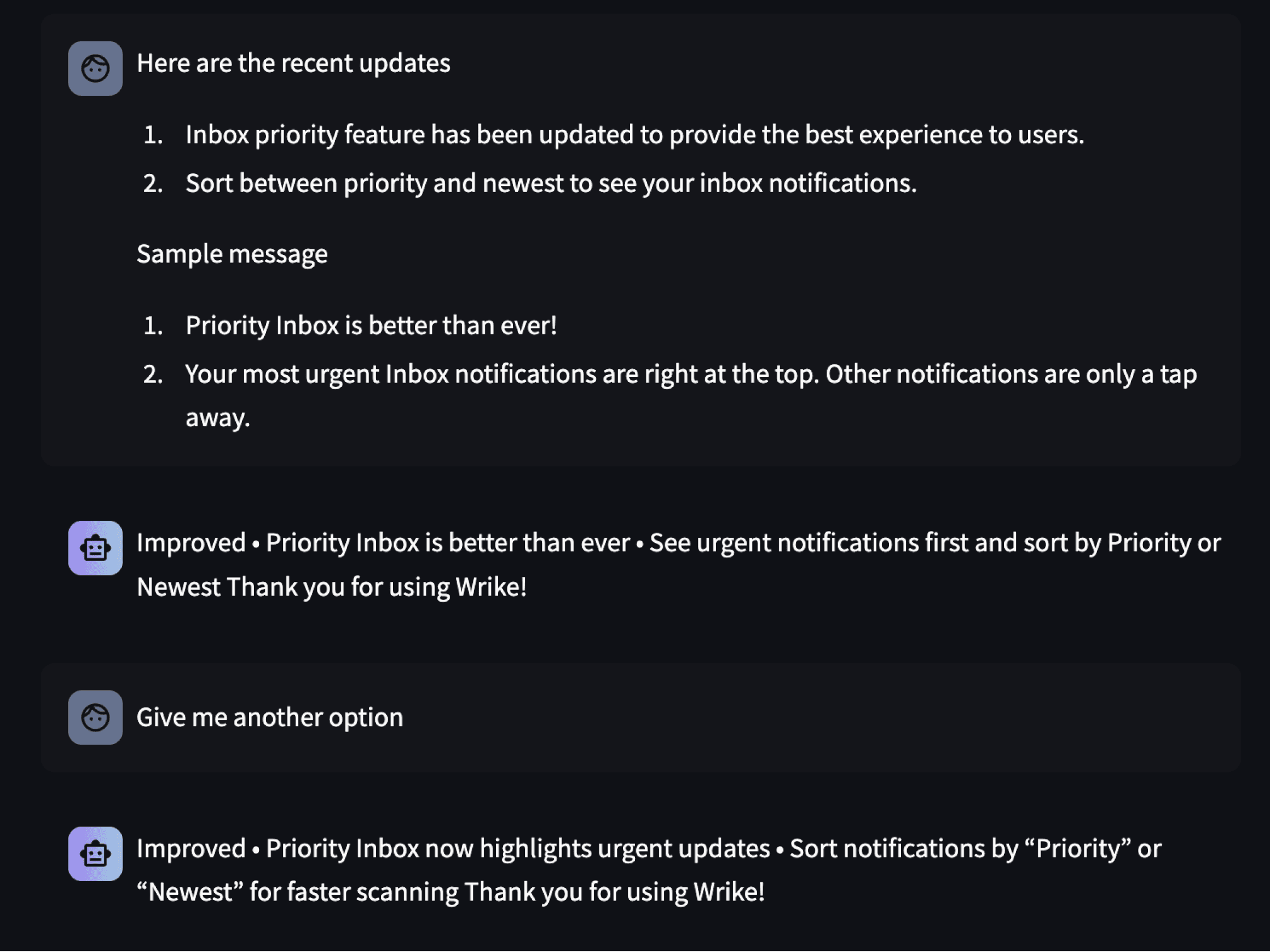
Release Notes Assistant

Release Notes
Problem:

This was another area where we would rely heavily on the content design team. In their absence, projects would get delayed.

Solution:

Drafted prompt with the specifics required for Android and iOS release notes. I integrated it with our internal AI tool for general access.

Impact:

PMs & Designers could easily talk to this assistant to create apt release notes every time by simply sharing their PRDs, design specs or epics created in Wrike.

Experiments

Just trying things out.

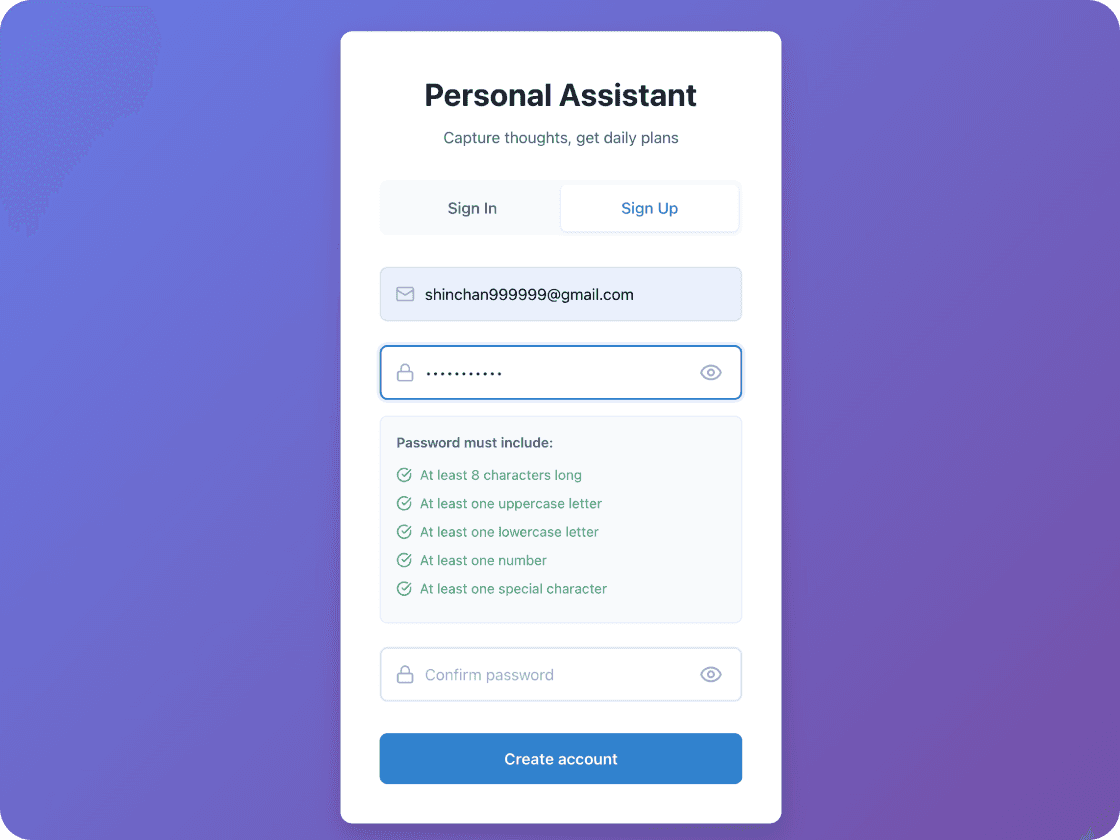
To-do app + authentication

To Do App

For the joy of understanding how login & sign-up flows are actually built, tried my hand to building the entire flow (email verification, reset password, etc.) for a to-do app.